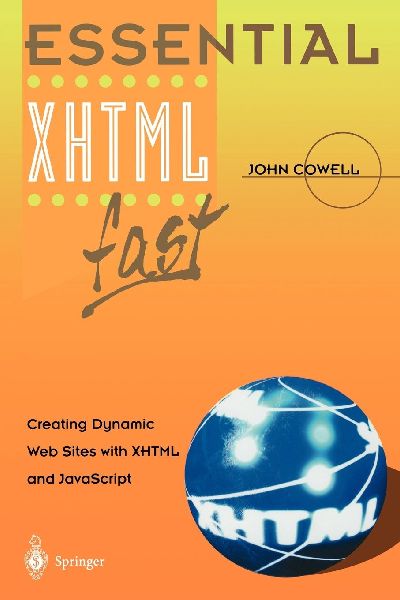
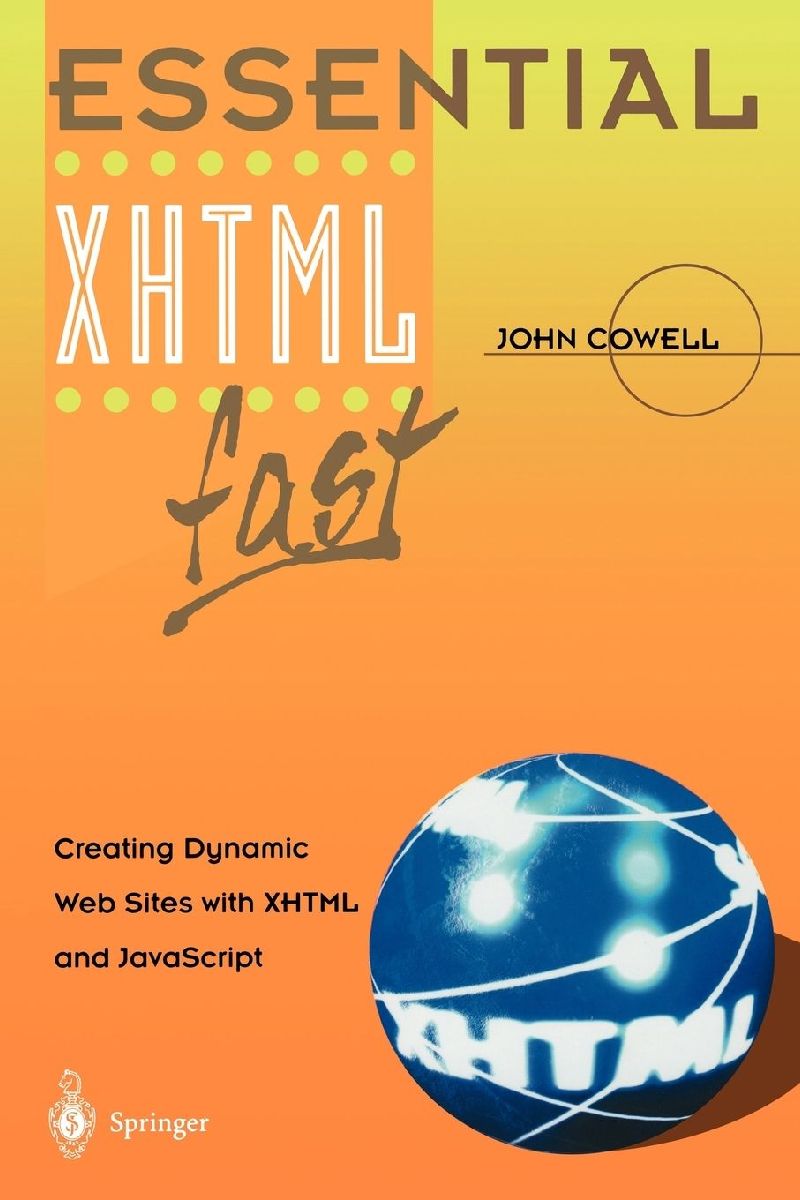
Essential XHTML fast
Creating Dynamic Web Sites with XHTML and JavaScript
von John Cowell
- Einband
- Kartoniert
- Seiten
- 260
- Sprache
- Englisch
- Erschienen
- Dezember 2002
- Verlag
- Springer
Buchbeschreibung
Headings 34 Line breaks 35 Inserting lines 36 Colours and Fonts: 37 Settingthebackground colour 38 Settingthetextcolour 38 Setting the font 39 Lists 39 Nesting lists 41 Definition lists 42 5. CREATING LINKS 45 Introduction 46 WhatisaURL?
46 The protocol identifier 47 The Web server 47 The folder and filename 47 The a element 48 Absolute and relative URLs 48 Absolute URLs 48 Relative URLs 49 Server relative URLs 51 Linkswithinadocument 51 Email links 52 6.
Ganze Beschreibung lesenWeniger anzeigen
CREATING AND USING TABLES 53 Introduction 54 Creating tables 54 Formatting tables 57 Formatting cells 62 The align and valign attributes 62 The col span and row span attributes 63 Grouping table elements 64 The col group element. . 67 Style sheets 68 7. WORKING WITH IMAGES 69 Introduction 70 Image Formats 70 GIF files 70 lPEG files 72 PNG files 72 Which format should Iuse?
73 Minimizing file size 73 Displaying images 74 Linking from an image 75 Image maps 75 Defining Rectangles 77 Defining Circles 78 Defining Polygons 78 Definingthedefault region 78 Activating the map 79 Client and Server side maps 79 8. CASCADING STYLE SHEETS 81 Introduction 82 Typesofstyle sheets 83 Embedding astyle sheet 83 Style sheet codes 84 Linking toastyle sheet 86 Applying stylestomore than one element …
88 In-line formatting 89 Classes and IDs: 89 Creating and using IDs 90 Creating and using classes 91 Creating astyle sheet.
Inhaltsverzeichnis
- 1. Why Do I Need XHTML?
- Why switch to XHTML?
- What do I need?
- Is this book for you?
- How to use this book
- Don't type!
- 2. XML And XHTML
- HTML versions
- What is XML?
- What is XHTML?
- What is JavaScript?
- Getting started
Ganzes Inhaltsverzeichnis anzeigen (127 Einträge)Weniger anzeigen
- 3. Creating XHTML Documents
- Starting an XHTML document
- The html element
- White space
- The head element
- The title element
- The meta element
- The base element
- The body element
- Validating the document
- The p element
- Other paragraph types
- 4. Formatting Documents
- Headings
- Line breaks
- Inserting lines
- Colours and Fonts
- Lists
- 5. Creating Links
- What is a URL?
- The a element
- Absolute and relative URLs
- Links within a document
- Email links
- 6. Creating And Using Tables
- Creating tables
- Formatting tables
- Formatting cells
- Grouping table elements
- Style sheets
- 7. Working With Images
- Image Formats
- Which format should I use?
- Minimizing file size
- Displaying images
- Linking from an image
- Image maps
- Client and Server side maps
- 8. Cascading Style Sheets
- Types of style sheets
- Embedding a style sheet
- Linking to a style sheet
- In-line formatting
- Classes and IDs
- Creating a style sheet
- Changing the background
- Conflicting properties
- 9. Creating And Using Frames
- Types of frames
- Creating fixed frames
- Controlling frame size
- Creating more complex framesets
- Preventing frame resizing
- Formatting
- Navigation
- Browsers which do not support frames
- Legal problems
- In-line frames
- 10. CREATING FORMS
- Creating and using forms
- The form element
- What is sent to the server?
- Controls
- The input element
- The button element
- The textarea element
- List controls
- Grouping controls
- Disabling controls
- The PC buyer document
- Processing forms
- 11. Javascript and XHTML.-Java and JavaScript
- Using Java applets
- Using JavaScript
- The CDATA Section
- JavaScript data types
- Identifiers
- Numbers
- Arithmetic operators
- Shortcut operators
- Strings
- Booleans
- Functions
- write and writeln
- Scope of variables
- Declaring variables
- What's next?
- 12. THe Javascript Language
- JavaScript errors
- Formatting JavaScript code
- Comments
- Case sensitivity
- Compound Statements
- The ifstatement
- The comparison operators
- The logical operators
- The switch construct
- Looping
- for..in and with statements
- Labels
- The break statement
- The continue statement
- 13. Javascript Core Objects
- The navigator object
- Important JavaScript objects
- 14. Handling Events
- The mouse events
- The keyboard events
- The document and window events
- The form events
- The focus events
- 15. Deprecated and Valid Elements
- Deprecated elements
- Current XHTML elements
- 16. INDEX
Details
- Erscheinungstermin
- Dezember 2002
- Kategorie
- Fremdsprachige Bücher
- Einband
- Kartoniert
- Seiten
- 260
- Sprache
- Englisch
- Verlag
- Springer
- Format
- 23,5 × 15,5 cm
- Dicke
- 1,5 cm
- Gewicht
- 400 g
- EAN / ISBN-13
- 9781852336844
Versand und Rückgabe
Standardversand: 1 bis 3 Werktage, 3,99 €, kostenlos ab 35 €
Liefergebiet: Deutschland
Rücksendung: 14 Tage Widerrufsrecht. Bei einem Widerruf tragen Sie die Kosten der Rücksendung. Bei einer Falschlieferung oder einem Fehler von uns erstatten wir Ihnen das Rückporto. Den Widerruf erklären Sie über den Knopf „Vertrag widerrufen“ im Fuß der Seite.
Hersteller und ProduktsicherheitSpringer Nature Customer Service Center GmbH
Springer Nature Customer Service Center GmbH
Europaplatz 3
69115 Heidelberg
Deutschland
ProductSafety@springernature.com
Mehr von John Cowell


Ähnliche Titel



Resource Management for Distributed Multimedia Systems
Lars Christian Wolf
Gebunden, Englisch, 2 Ausgaben
ab 106,99 €
Bewertungen
Zu diesem Titel gibt es noch keine Bewertung. Bewerten kann, wer ihn bei uns gekauft hat.
So prüfen wir Bewertungen
Eine Bewertung kann bei uns nur abgeben, wer den Titel über sein Kundenkonto bei uns gekauft hat. Jede Bewertung ist fest mit der zugehörigen Bestellung verknüpft; anders kommt sie technisch gar nicht zustande. Deshalb trägt jede angezeigte Bewertung den Hinweis „Verifizierter Kauf". Wir zeigen positive wie negative Bewertungen und löschen nur bei Rechtsverstößen. Für Bewertungen gibt es keine Gegenleistung.
53,49 €Voraussichtlich 30. Nov. bis 2. Dez.