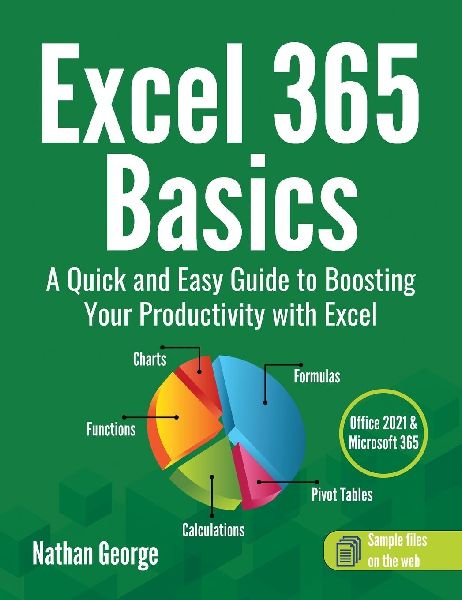
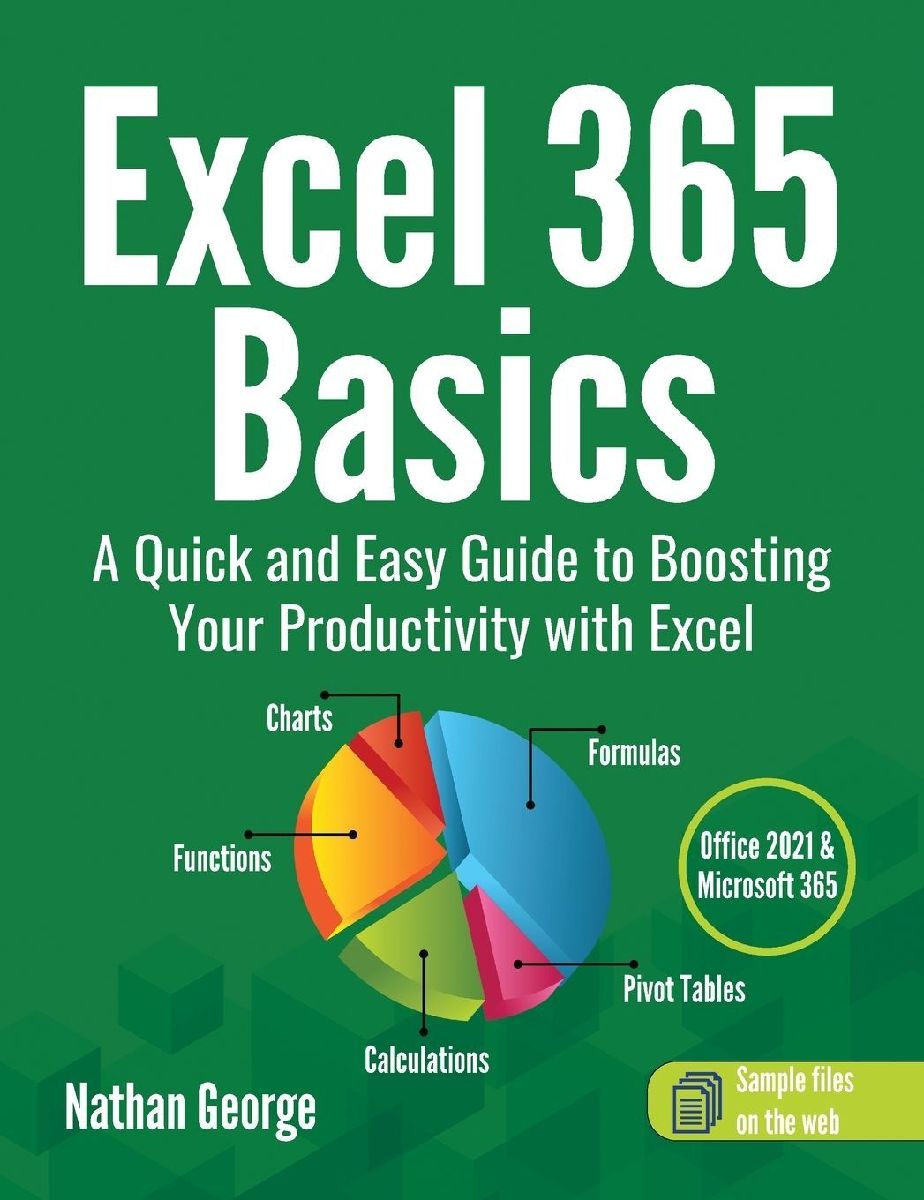
Excel 365 Basics
A Quick and Easy Guide to Boosting Your Productivity with Excel
von Nathan George
- Einband
- Gebunden
- Seiten
- 302
- Sprache
- Englisch
- Erschienen
- Juli 2022
- Verlag
- GTech Publishing
Buchbeschreibung
A Step-By-Step Approach to Learning Excel Fast
Excel 365 Basics covers all you need to quickly get up to speed in creating spreadsheets to provide solutions for your data. If you are new to Excel and the thought of spreadsheets makes your head spin, you've come to the right place. This book will hold your hand through a step-by-step process of becoming skilled with Excel.
Ganze Beschreibung lesenWeniger anzeigen
If you already have some Excel skills and want to skill up on more advanced topics, then you've also come to the right place. Excel 365 Basics goes beyond introductory topics and covers topics like functions, Excel tables, Pivot tables, and analyzing your data with charts. This book aims to guide you from beginner to being skilled with Excel within a few short hours. Learn Excel Quicker by Avoiding Unnecessary Fillers
This book cuts to the chase without the unnecessary verbosity seen in many other Excel books. You don't need to get through a wall of text to learn how to quickly perform various tasks in Excel. Hence, Excel 365 Basics focuses on providing clear and direct explanations for completing tasks with screenshots where necessary to illustrate the concepts. Downloadable Sample Files for Hands-On Learning
Excel 365 Basics uses practical examples applicable to real-world tasks. The best way to learn is through practice, so downloadable sample files have been provided so you can follow the examples in the book hands-on.
This book covers Excel for Microsoft 365 (2022 update) and Excel 2021 (the latest standalone version of Excel).In this book, you'll learn how to: Add, name, copy and move worksheets. Freeze and unfreeze panes (rows and columns).Use Auto
Fill and Flash Fill to automate repetitive tasks. Move and copy data. Format cells, ranges, and tables. Create formulas for different types of calculations. Use absolute and relative cell references. Use Auto
Sum to automate calculations quickly. Use functions like IF, DATEDIF, MID, and XLOOKUP.Work with Excel tables, including applying table styles. Easily filter and sort your data. Dynamically analyze data with Pivot Table tools that can carry out automated data summaries in seconds that would have taken hours to do manually!
Use the Quick Analysis tool to generate charts and sparklines with a few clicks. Secure your workbook data and design with a password. Use many more Excel features…
Details
- Erscheinungstermin
- Juli 2022
- Kategorie
- Fremdsprachige Bücher
- Einband
- Gebunden
- Seiten
- 302
- Sprache
- Englisch
- Verlag
- GTech Publishing
- Format
- 24,1 × 19,6 cm
- Dicke
- 2,1 cm
- Gewicht
- 699 g
- EAN / ISBN-13
- 9781915476050
Über Nathan George
Nathan George is a data scientist at Tink in Stockholm, Sweden, and taught data science as a professor at Regis University in Denver, CO for over 4 years.
Mehr über Nathan GeorgeWeniger anzeigen
Nathan has created online courses on Pythonic data science and uses Python data science tools for electroencephalography (EEG) research with the OpenBCI headset and public EEG data. His education includes the Galvanize data science immersive, a PhD from UCSB in Chemical Engineering, and a BS in Chemical Engineering from the Colorado School of Mines.
Versand und Rückgabe
Standardversand: 1 bis 3 Werktage, 3,99 €, kostenlos ab 35 €
Liefergebiet: Deutschland
Rücksendung: 14 Tage Widerrufsrecht. Bei einem Widerruf tragen Sie die Kosten der Rücksendung. Bei einer Falschlieferung oder einem Fehler von uns erstatten wir Ihnen das Rückporto. Den Widerruf erklären Sie über den Knopf „Vertrag widerrufen“ im Fuß der Seite.
Hersteller und ProduktsicherheitGTech Publishing
GTech Publishing
Europaallee 1
36244 Bad Hersfeld
Deutschland
gpsr@libri.de
Verantwortliche Person in der EU
Libri GmbHEuropaallee 1
36244 Bad Hersfeld
Deutschland
gpsr@libri.de
Mehr von Nathan George
Ähnliche Titel
Bewertungen
Zu diesem Titel gibt es noch keine Bewertung. Bewerten kann, wer ihn bei uns gekauft hat.
So prüfen wir Bewertungen
Eine Bewertung kann bei uns nur abgeben, wer den Titel über sein Kundenkonto bei uns gekauft hat. Jede Bewertung ist fest mit der zugehörigen Bestellung verknüpft; anders kommt sie technisch gar nicht zustande. Deshalb trägt jede angezeigte Bewertung den Hinweis „Verifizierter Kauf". Wir zeigen positive wie negative Bewertungen und löschen nur bei Rechtsverstößen. Für Bewertungen gibt es keine Gegenleistung.
28,90 €Voraussichtlich 4. bis 8. Dez.