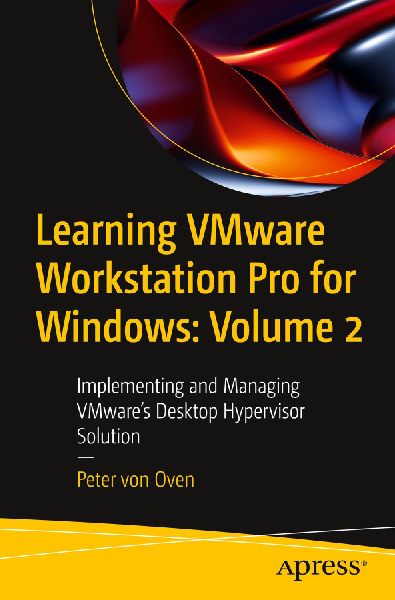
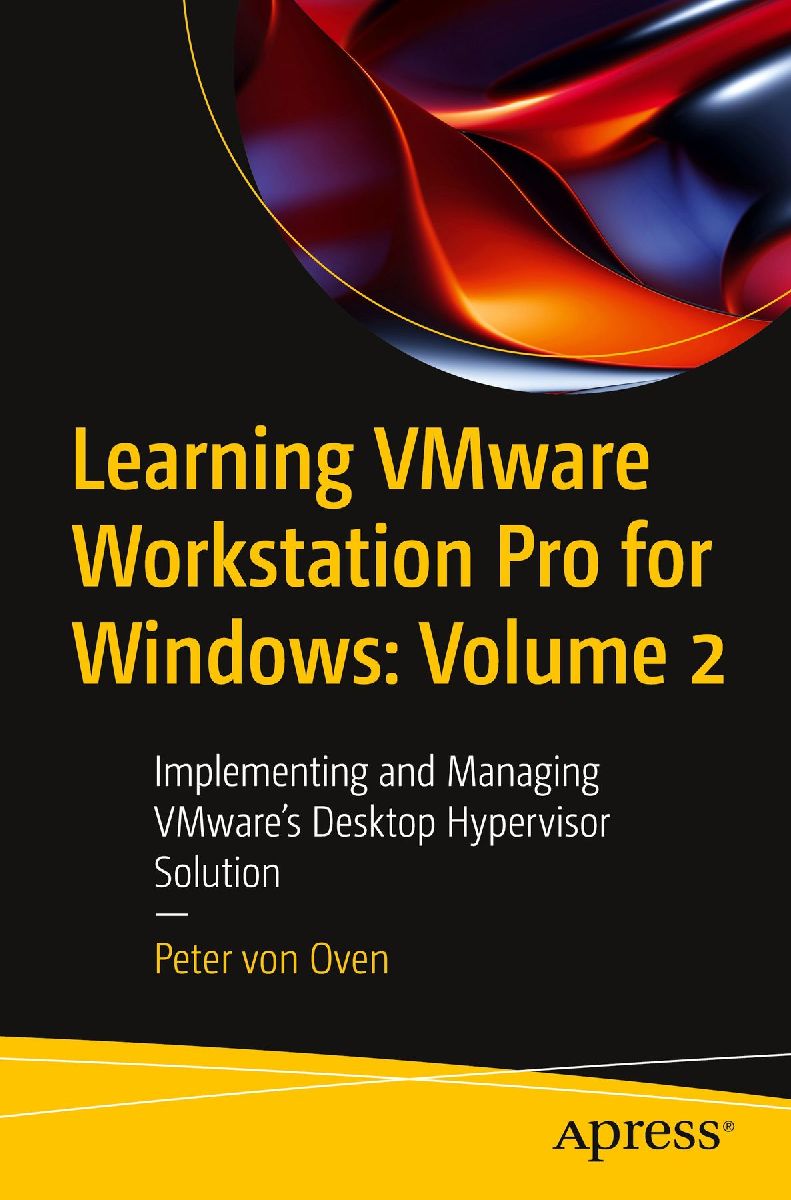
Learning VMware Workstation Pro for Windows: Volume 2
Implementing and Managing VMware's Desktop Hypervisor Solution
von Peter von Oven
- Einband
- Kartoniert
- Seiten
- 356
- Sprache
- Englisch
- Erschienen
- Dezember 2024
- Verlag
- Apress
Buchbeschreibung
VMware Workstation is a software solution that provides a type-2 hypervisor, or desktop hypervisor, that runs on x64 Windows and Linux-based operating systems.
It enables users to create and run virtual machines, containers, and Kubernetes clusters simultaneously on their physical devices without having to reform at or dual-boot the underlying device.
Ganze Beschreibung lesenWeniger anzeigen
There are several use cases for VMware Workstation. For IT pros, it allows them to test applications and operating system builds, as well as enable remote control of vSphere data center infrastructure. Developers can run multiple different operating systems or different versions of operating systems on a single device giving them the platform flexibility to test, develop, and troubleshoot applications cost-effectively.
Finally, for the greater workforce, VMware Workstation can enable BYOD device initiatives allowing employees to run a full corporate environment on their device without deleting or reformatting it. Learning VMware Workstation Pro for Windows - Part 2 provides the reader with a practical, step-by-step guide to creating and managing virtual machines using VMware Workstation, starting with an overview of hypervisors and desktop hypervisors.
Next, it talks about each resource, such as CPU, memory, and networking, and how these are configured in a virtual environment. After that, it demonstrates the installation of VMware Workstation, configuration, and then building and managing different virtual machines running on different operating systems such as ChromeOS, and Linux, and building an ESXi lab environment.
Towards the end, readers will learn how to use command line tools, such as the REST API, and vmrun, before going on to discuss upgrading and troubleshooting your VMware Workstation environment. By the end of this book, readers will have full knowledge of VMware Workstation Pro. This book is a continuation of " Learning VMware Workstation Pro for Windows - Part 1 " where readers learn how to build and manage different virtual machines running on different operating systems and build an ESXi lab environment with VMware Workstation.
You Will: Learn how to run containers on a VMware workstation Understand how to use the command line to configure and control Workstation Pro and virtual machines Practice the use of REST API for Workstation Pro This book is for: Developers, IT professionals, VMware certified professionals both remote and Bring your device (BYOD).
Inhaltsverzeichnis
- Chapter 1: Working with containers
- Chapter 2: Working with the command line
- Chapter 3: Using the vmrun Command to Control Virtual Machines
- Chapter 4: RESTAPI
- Chapter 5: Support and Troubleshooting
- Chapter 6: Workstation Player
- Chapter 7: Installing additional operating systems
- Chapter 8: Unattended installation
- Chapter 9: What's New?
Details
- Erscheinungstermin
- Dezember 2024
- Kategorie
- Fremdsprachige Bücher
- Einband
- Kartoniert
- Seiten
- 356
- Sprache
- Englisch
- Verlag
- Apress
- Format
- 23,5 × 15,5 cm
- Dicke
- 2,0 cm
- Gewicht
- 540 g
- EAN / ISBN-13
- 9798868808630
Über Peter von Oven
Peter von Oven is an experienced technical consultant working closely with customers, partners, and vendors in designing technology solutions, to meet business needs and deliver outcomes.
Mehr über Peter von OvenWeniger anzeigen
During his career, Peter has presented at key IT events such as VMworld, IP EXPO, and various VMUGs and CCUG events across the UK. He has also worked in senior presales roles and presales management roles for Fujitsu, HP, Citrix, and VMware, and has been awarded VMware vExpert for the last nine years in a row and vExpert EUC for the last three consecutive years. In 2021, Peter added the vExpert Desktop Hypervisor award to his portfolio of awards. In 2016, Peter founded his own company specializing in application delivery. Today he works with partners and vendors helping drive and deliver innovative technology solutions. He is also an avid author, having now written 19 books and made numerous videos about VMware end-user computing solutions. In his spare time, Peter volunteers as a STEM Ambassador, working with schools and colleges, helping the next generation develop the skills and confidence in building careers in technology. He is also a serving Royal Air Force Reservist currently working as an instructor with the Air Cadet organization.
Versand und Rückgabe
Standardversand: 1 bis 3 Werktage, 3,99 €, kostenlos ab 35 €
Liefergebiet: Deutschland
Rücksendung: 14 Tage Widerrufsrecht. Bei einem Widerruf tragen Sie die Kosten der Rücksendung. Bei einer Falschlieferung oder einem Fehler von uns erstatten wir Ihnen das Rückporto. Den Widerruf erklären Sie über den Knopf „Vertrag widerrufen“ im Fuß der Seite.
Hersteller und ProduktsicherheitSpringer Nature Customer Service Center GmbH
Springer Nature Customer Service Center GmbH
Europaplatz 3
69115 Heidelberg
Deutschland
ProductSafety@springernature.com
Mehr von Peter von Oven
Ähnliche Titel
Advanced Intercompany Sales and Stock Transfer with SAP S/4HANA
Mrinal K. Roy
Gebunden, Englisch
99,95 €
Bewertungen
Zu diesem Titel gibt es noch keine Bewertung. Bewerten kann, wer ihn bei uns gekauft hat.
So prüfen wir Bewertungen
Eine Bewertung kann bei uns nur abgeben, wer den Titel über sein Kundenkonto bei uns gekauft hat. Jede Bewertung ist fest mit der zugehörigen Bestellung verknüpft; anders kommt sie technisch gar nicht zustande. Deshalb trägt jede angezeigte Bewertung den Hinweis „Verifizierter Kauf". Wir zeigen positive wie negative Bewertungen und löschen nur bei Rechtsverstößen. Für Bewertungen gibt es keine Gegenleistung.
64,19 €Voraussichtlich 30. Nov. bis 2. Dez.