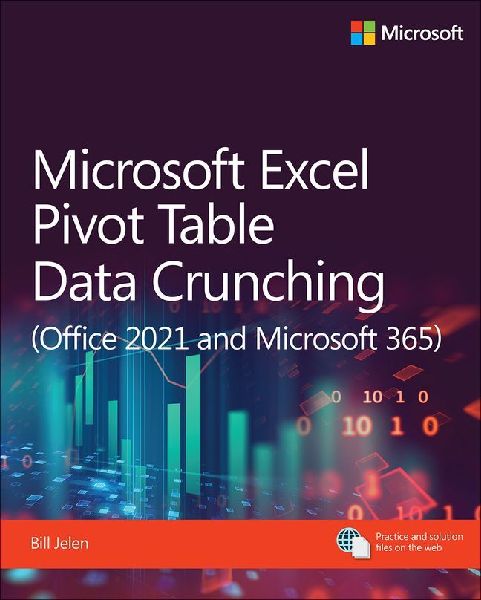
Microsoft Excel Pivot Table Data Crunching (Office 2021 and Microsoft 365)
von Bill Jelen
- Einband
- Kartoniert
- Seiten
- 544
- Sprache
- Englisch
- Erschienen
- Februar 2022
- Verlag
- Pearson
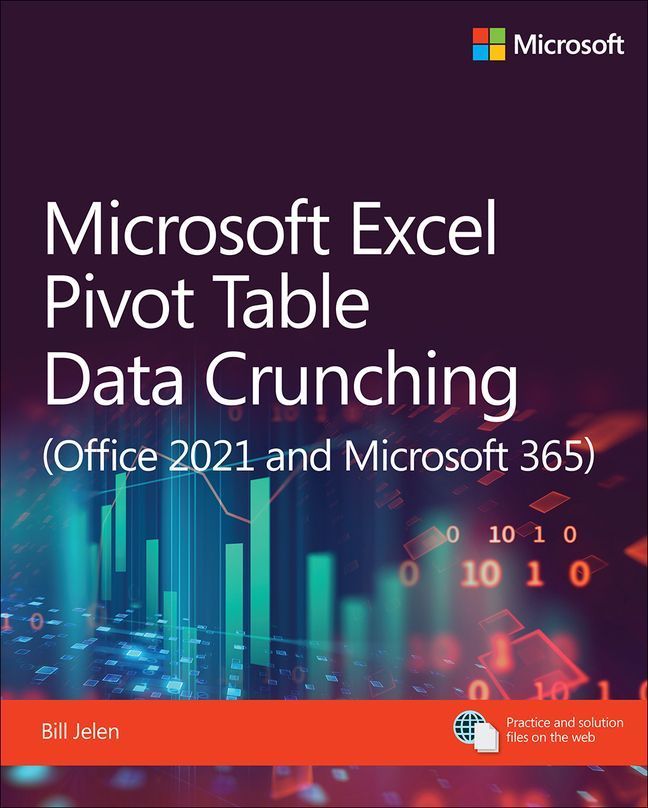
Buchbeschreibung
Use Microsoft 365 Excel and Excel 2021 pivot tables and pivot charts to produce powerful, dynamic reports in minutes: take control of your data and your business!
Even if you've never created a pivot table before, this book will help you leverage all their flexibility and analytical power including important recent improvements in Microsoft 365 Excel. Drawing on more than 30 years of cutting-edge Excel experience, MVP Bill Jelen (Mr
Ganze Beschreibung lesenWeniger anzeigen
Excel) shares practical recipes for solving real business problems, expert insights for avoiding mistakes, and advanced tips and tricks you'll find nowhere else. By reading this book, you will: Master easy, powerful ways to create, customize, change, and control pivot tables
Transform huge datasets into clear summary reports
Instantly highlight your most profitable customers, products, or regions
Use the data model and Power Query to quickly analyze disparate data sources
Create powerful crosstab reports with new dynamic arrays and Power Query
Build geographical pivot tables with 3D Maps
Construct and share state-of-the-art dynamic dashboards
Revamp analyses on the fly by dragging and dropping fi elds
Build dynamic self-service reporting systems
Share your pivot tables with colleagues
Create data mashups using the full Power Pivot capabilities in modern Excel versions
Generate pivot tables using either VBA on the Desktop or Typescript in Excel Online
Save time and avoid formatting problems by adapting reports with Get
Pivot
DataUnpivot source data so it's easier to work with Use new Analyze Data artificial intelligence to create pivot tables
Inhaltsverzeichnis
- Introduction
- CHAPTER
- 1 Pivot table fundamentals
- CHAPTER
- 2 Creating a basic pivot table
- CHAPTER
- 3 Customizing a pivot table
- CHAPTER
Ganzes Inhaltsverzeichnis anzeigen (34 Einträge)Weniger anzeigen
- 4 Grouping, sorting, and filtering pivot data
- CHAPTER
- 5 Performing calculations in pivot tables
- CHAPTER
- 6 Using pivot charts and other visualizations
- CHAPTER
- 7 Analyzing disparate data sources with pivot tables
- CHAPTER
- 8 Sharing dashboards with Power BICHAPTER
- 9 Using cube formulas with the Data Model or OLAP data
- CHAPTER
- 10 Unlocking features with the Data Model and Power Pivot
- CHAPTER
- 11 Analyzing geographic data with 3D Map
- CHAPTER
- 12 Enhancing pivot table reports with macros
- CHAPTER
- 13 Using VBA or TypeScript to create pivot tables
- CHAPTER
- 14 Advanced pivot table tips and techniques
- CHAPTER
- 15 Dr. Jekyll and Mr. Get
- Pivot
- Data
- CHAPTER
- 16 Creating pivot tables in Excel Online
Details
- Erscheinungstermin
- Februar 2022
- Kategorie
- Fremdsprachige Bücher
- Einband
- Kartoniert
- Seiten
- 544
- Sprache
- Englisch
- Verlag
- Pearson
- Format
- 23,5 × 19,5 cm
- Dicke
- 3,0 cm
- Gewicht
- 1.024 g
- EAN / ISBN-13
- 9780137521838
Über Bill Jelen
Bill Jelen, Excel MVP and the host of MrExcel.com, has been using spreadsheets since 1985, and he launched the MrExcel.com website in 1998.
Mehr über Bill JelenWeniger anzeigen
Bill was a regular guest on Call for Help with Leo Laporte and has produced more than 2,200 episodes of his daily video podcast, Learn Excel from Mr Excel. He is the author of 57 books about Microsoft Excel and writes the monthly Excel column for Strategic Finance magazine. Before founding MrExcel.com, Bill spent 12 years in the trenches, working as a financial analyst for the finance, marketing, accounting, and operations departments of a $500 million public company. He lives in Merritt Island, Florida, with his wife, Mary Ellen. Mike Alexander is a Microsoft Certified Application Developer (MCAD) and author of several books on advanced business analysis with Microsoft Access and Excel. He has more than 15 years of experience consulting and developing Office solutions. Mike has been named a Microsoft MVP for his ongoing contributions to the Excel community.
Versand und Rückgabe
Standardversand: 1 bis 3 Werktage, 3,99 €, kostenlos ab 35 €
Liefergebiet: Deutschland
Rücksendung: 14 Tage Widerrufsrecht. Bei einem Widerruf tragen Sie die Kosten der Rücksendung. Bei einer Falschlieferung oder einem Fehler von uns erstatten wir Ihnen das Rückporto. Den Widerruf erklären Sie über den Knopf „Vertrag widerrufen“ im Fuß der Seite.
Hersteller und ProduktsicherheitPearson Benelux B.V. (Zweigniederlassung Deutschland)
Pearson Benelux B.V. (Zweigniederlassung Deutschland)
St.-Martin-Straße 82
81541 München
Deutschland
salesde@pearson.com
Mehr von Bill Jelen

Ähnliche Titel

Bewertungen
Zu diesem Titel gibt es noch keine Bewertung. Bewerten kann, wer ihn bei uns gekauft hat.
So prüfen wir Bewertungen
Eine Bewertung kann bei uns nur abgeben, wer den Titel über sein Kundenkonto bei uns gekauft hat. Jede Bewertung ist fest mit der zugehörigen Bestellung verknüpft; anders kommt sie technisch gar nicht zustande. Deshalb trägt jede angezeigte Bewertung den Hinweis „Verifizierter Kauf". Wir zeigen positive wie negative Bewertungen und löschen nur bei Rechtsverstößen. Für Bewertungen gibt es keine Gegenleistung.
41,49 €Voraussichtlich 1. bis 3. Dez.