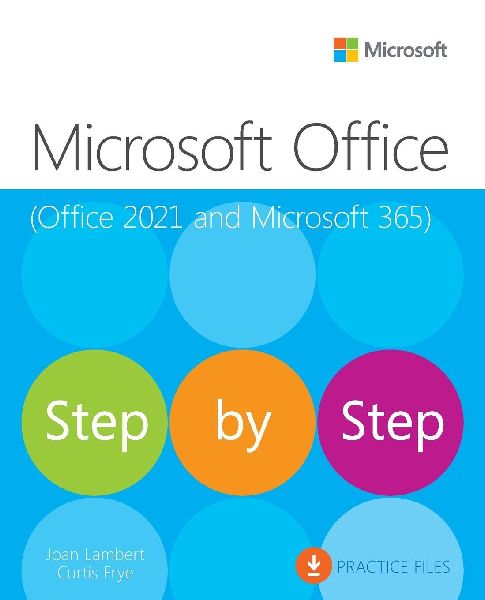
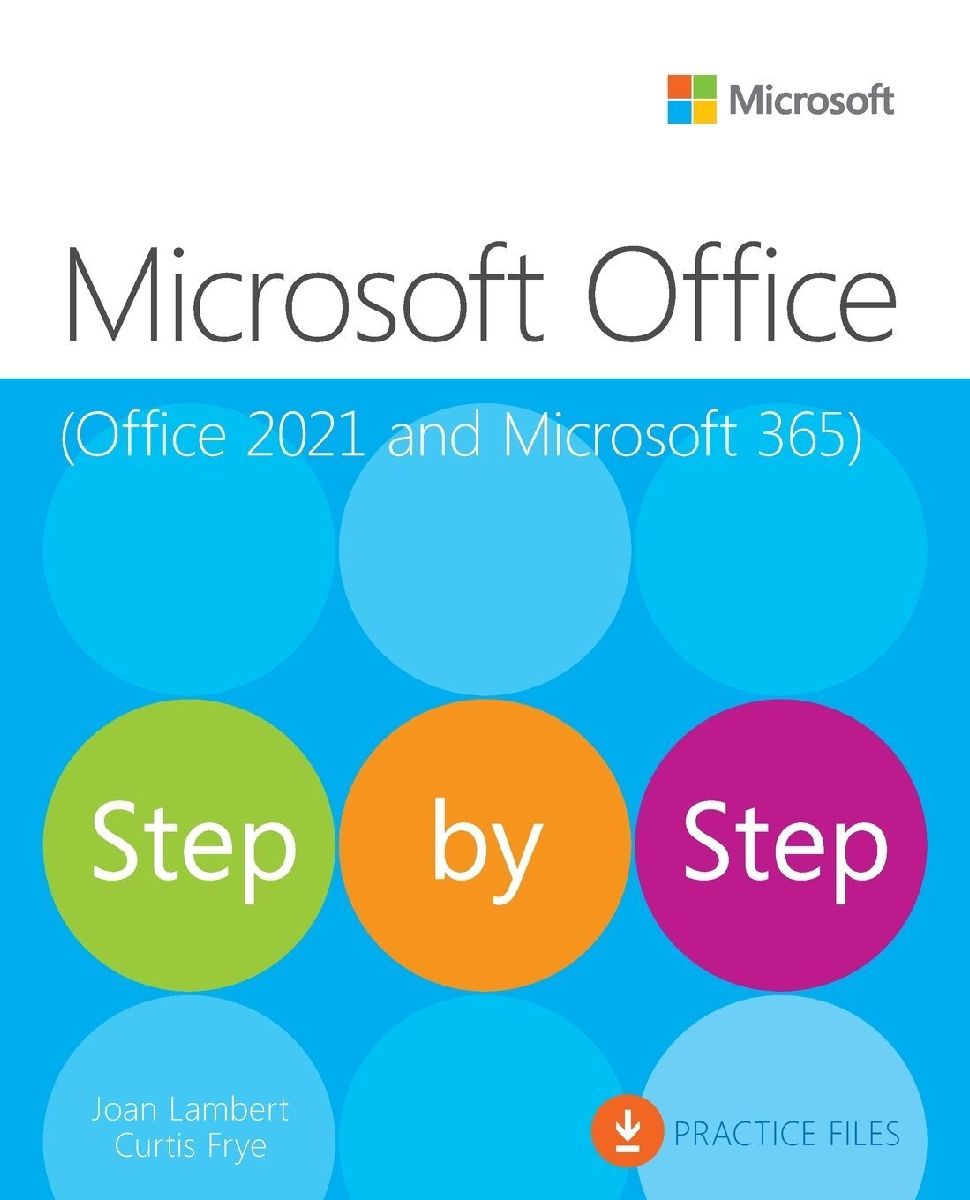
Microsoft Office Step by Step (Office 2021 and Microsoft 365)
von Joan Lambert und Curtis Frye
- Einband
- Kartoniert
- Seiten
- 560
- Sprache
- Englisch
- Erschienen
- Juni 2022
- Verlag
- Pearson
Buchbeschreibung
Microsoft 365 applications are essential tools for communication, data analysis, content creation and day-to-day productivity.
Microsoft Office Step by Step (Office 2021 and Microsoft 365) provides practical guidance for using Word, Excel, PowerPoint and Outlook with confidence. Using clear instructions and detailed visuals, it helps you navigate core tasks and features while building a strong foundation across the applications most commonly used in academic and professional environments.
Ganze Beschreibung lesenWeniger anzeigen
The flexible structure also makes it easy to focus on the topics and tasks most relevant to your needs.
Develop the skills to create polished documents, work effectively with data, deliver engaging presentations and manage email and schedules more efficiently. Step-by-step lessons help you complete tasks accurately while introducing tools that can streamline workflows and save time.
You will also learn how to collaborate with others, make use of accessibility features and organise information more effectively, enabling you to work with greater confidence and efficiency across a range of personal, academic and workplace activities. Who It's For
Designed for learners, professionals and anyone looking to build or strengthen their Microsoft 365 skills. It is suitable for those seeking practical guidance on using Word, Excel, PowerPoint and Outlook more effectively in academic, workplace or personal settings.
Inhaltsverzeichnis
- Part 1: Microsoft Office (Microsoft 365 Apps)
- 1: Explore Office
- 2: Create and manage files Part 2: Microsoft Word
- 3: Modify the structure and appearance of text
- 4: Collaborate on documents
- 5: Merge data with documents and labels Part 3: Excel
- 6: Perform calculations on data
- 7: Manage worksheet data
Ganzes Inhaltsverzeichnis anzeigen (17 Einträge)Weniger anzeigen
- 8: Reorder and summarize data
- 9: Analyze alternative data sets Part 4: PowerPoint
- 10: Create and manage slides
- 11: Insert and manage simple graphics
- 12: Add sound and movement to slides Part 5: Microsoft Outlook
- 13: Send and receive email messages
- 14: Organize your Inbox
- 15: Manage scheduling
- Appendix: Keyboard shortcuts
Details
- Erscheinungstermin
- Juni 2022
- Kategorie
- Fremdsprachige Bücher
- Einband
- Kartoniert
- Seiten
- 560
- Sprache
- Englisch
- Verlag
- Pearson
- Format
- 23,5 × 19,5 cm
- Dicke
- 3,0 cm
- Gewicht
- 1.054 g
- EAN / ISBN-13
- 9780137544769
Über Joan Lambert
Joan Lambert has worked closely with Microsoft technologies since 1986, and in the training and certification industry since 1997. As President and CEO of Online Training Solutions, Inc.
Mehr über Joan LambertWeniger anzeigen
(OTSI), Joan guides the translation of technical information and requirements into useful, relevant, and measurable resources for people who are seeking certification of their computer skills or who simply want to know how to get things done efficiently. Joan is the author or coauthor of more than four dozen books about Windows and Office (for Windows, Mac, and iPad), five generations of Microsoft Office Specialist certification study guides, video-based training courses for SharePoint and OneNote, Quick Study guides for Windows and Office, and the GO! series book for Outlook 2016.
Versand und Rückgabe
Standardversand: 1 bis 3 Werktage, 3,99 €, kostenlos ab 35 €
Liefergebiet: Deutschland
Rücksendung: 14 Tage Widerrufsrecht. Bei einem Widerruf tragen Sie die Kosten der Rücksendung. Bei einer Falschlieferung oder einem Fehler von uns erstatten wir Ihnen das Rückporto. Den Widerruf erklären Sie über den Knopf „Vertrag widerrufen“ im Fuß der Seite.
Hersteller und ProduktsicherheitBooks on Demand GmbH
Mehr von Joan Lambert
Bewertungen
Zu diesem Titel gibt es noch keine Bewertung. Bewerten kann, wer ihn bei uns gekauft hat.
So prüfen wir Bewertungen
Eine Bewertung kann bei uns nur abgeben, wer den Titel über sein Kundenkonto bei uns gekauft hat. Jede Bewertung ist fest mit der zugehörigen Bestellung verknüpft; anders kommt sie technisch gar nicht zustande. Deshalb trägt jede angezeigte Bewertung den Hinweis „Verifizierter Kauf". Wir zeigen positive wie negative Bewertungen und löschen nur bei Rechtsverstößen. Für Bewertungen gibt es keine Gegenleistung.
41,49 €Voraussichtlich 1. bis 3. Dez.