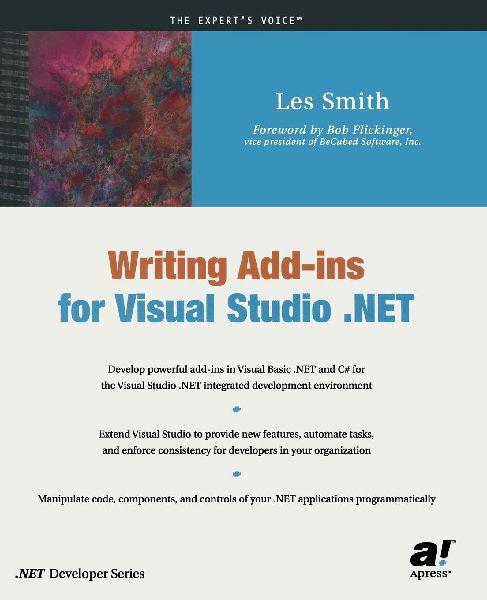
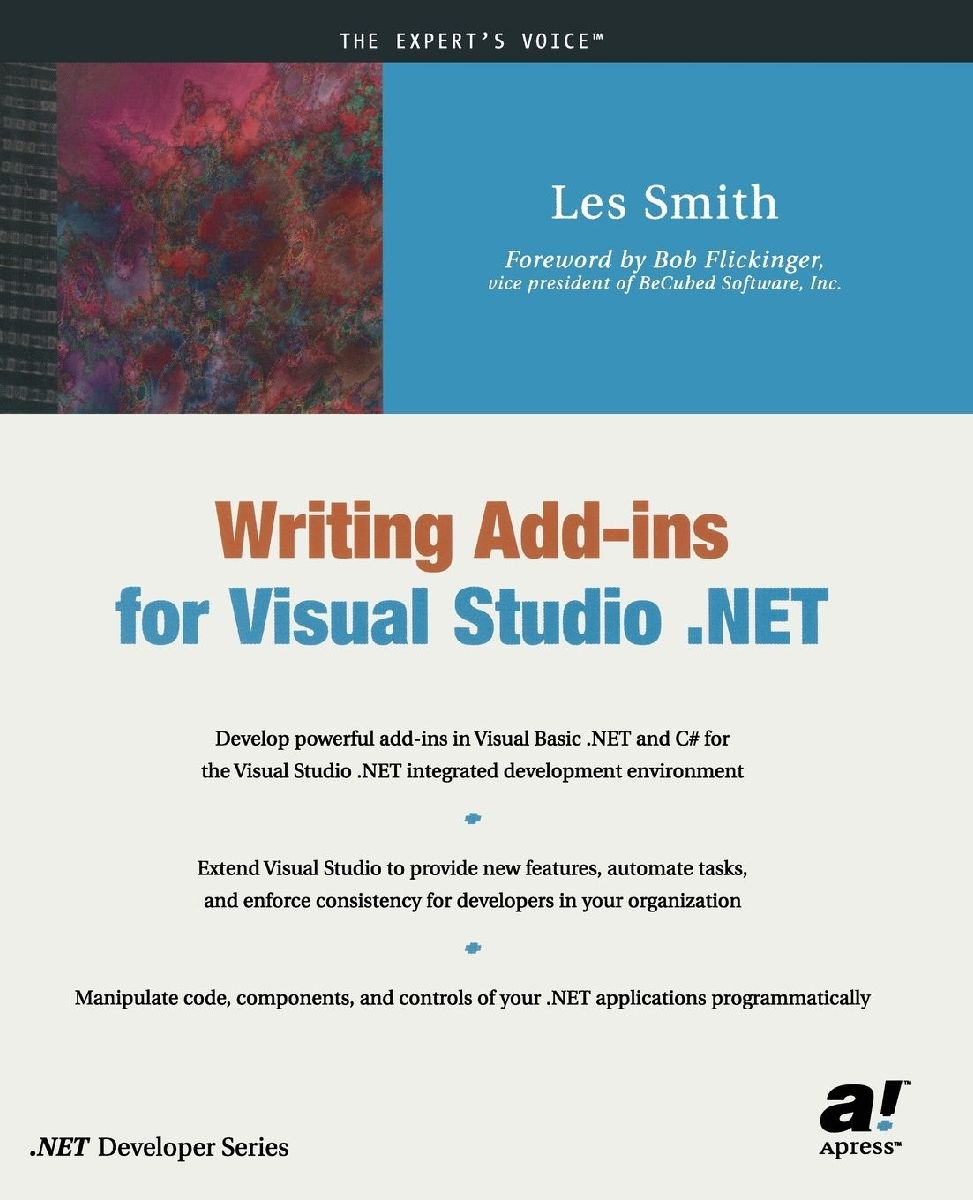
Writing Add-ins for Visual Studio .NET
von Les Smith
- Einband
- Kartoniert
- Seiten
- 556
- Sprache
- Englisch
- Erschienen
- Juli 2002
- Verlag
- Apress
Buchbeschreibung
Add-Ins are powerful extensions to the Visual Studio Integrated Development Environment (IDE).
Add-Ins can be written in Visual Basic, C#, or Visual C++, regardless of the development language. Smith's book is designed to get the experienced add-in developer up to speed very quickly in developing add-ins specifically in Visual Studio. NET.
Inhaltsverzeichnis
- 1 What Is an Add-in?
- 2 Getting Started with the Add-in Wizard
- 3 The Smart Desktop Add-in
- 4 Debugging an Add-in
- 5 Manipulating Code in Windows
- 6 Manipulating Controls on Forms
- 7 The User Interface
- 8 The Macro Explorer and the Macros IDE
Ganzes Inhaltsverzeichnis anzeigen (61 Einträge)Weniger anzeigen
- 9 Manipulating Projects
- 10 Multiple Languages in Add-ins
- 11 Handling Automation Events
- 12 Putting It Together: Let's Build a Real Add-in
- 13 Migrating VB 6.0 Add-ins to .NET
- Appendixes
- Appendix A Extensibility Objects
- Build Objects
- Code
- Model
- Commands
- Debugger
- Documents
- DTE
- Project
- Solution
- Window Objects
- Win
- Forms
- Appendix B Quick Reference: How Do I ...?
- Get Code from a Code Editor Window
- Retrieve a Whole Procedure from a Code Editor Window
- Put Code Back into a Code Editor Window
- Add a New Method to the End of a Module
- Reference Properties of a Form
- Change a Property on a Form
- Reference Properties of a Control on a Form
- Change a Property of a Control on a Form
- Reference All of the Selected Controls on a Form
- Create a Windows Application Project from an Add-in
- Add an Item to a Project
- Delete an Item from a Project
- Add a Menu Item to the IDE
- Add an Add-in Toolbar to the IDE
- Add Tool Buttons to a Toolbar
- Add Multilevel Menus to the IDE
- Capture Events in the IDE
- Add a New Class, Form, or Module
- Persist My Own Clipboard Ring
- Access the Tool Options Dialog Box Programmatically
- Manually Register an Add-in Not Created with the Add-in Wizard on My Computer
- Manually Make the Registry Entries for the Add-in Manager Dialog Box for Add-ins Not Created by the Wizard on My Computer
- Create a Setup Project for an Add-in Not Created on My Computer
- Debug an Add-in When I Only Have the Add-in Project
- Recognize When a Form Has Been Added to the Project.-Recognize When a Component Has Been Added to a Form
- Reload a Component
- Close All Saved Windows in the IDE
- Close and Save All but the Active Document
- Make a Backup Copy of the Current Window
- Open All Code and Designer Windows
- Use the Code
- Model Object to Analyze Code
- Display a Variable or Method Declaration Line in a Code Window
Details
- Erscheinungstermin
- Juli 2002
- Kategorie
- Fremdsprachige Bücher
- Einband
- Kartoniert
- Seiten
- 556
- Sprache
- Englisch
- Verlag
- Apress
- Format
- 23,5 × 19,1 cm
- Dicke
- 3,0 cm
- Gewicht
- 1.025 g
- EAN / ISBN-13
- 9781590590263
Über Les Smith
Les Smith is an independent consultant specializing in the development of Visual Basic .NET and ASP.NET applications. He is the president of HHI Software, Inc., and develops tools for developers using Visual Studio.
Mehr über Les SmithWeniger anzeigen
He has been developing add-ins since the release of Visual Basic 4.0 and has been developing applications in Visual Basic for over 12 years. Prior to his PC development experience, which included the use of C and Clipper, he had 20 years of experience in the development of mainframe operating systems for a major mainframe manufacturer. Smith also managed several large development projects, both on mainframes and PCs.
Versand und Rückgabe
Standardversand: 1 bis 3 Werktage, 3,99 €, kostenlos ab 35 €
Liefergebiet: Deutschland
Rücksendung: 14 Tage Widerrufsrecht. Bei einem Widerruf tragen Sie die Kosten der Rücksendung. Bei einer Falschlieferung oder einem Fehler von uns erstatten wir Ihnen das Rückporto. Den Widerruf erklären Sie über den Knopf „Vertrag widerrufen“ im Fuß der Seite.
Hersteller und ProduktsicherheitSpringer Nature Customer Service Center GmbH
Springer Nature Customer Service Center GmbH
Europaplatz 3
69115 Heidelberg
Deutschland
ProductSafety@springernature.com
Ähnliche Titel




Bewertungen
Zu diesem Titel gibt es noch keine Bewertung. Bewerten kann, wer ihn bei uns gekauft hat.
So prüfen wir Bewertungen
Eine Bewertung kann bei uns nur abgeben, wer den Titel über sein Kundenkonto bei uns gekauft hat. Jede Bewertung ist fest mit der zugehörigen Bestellung verknüpft; anders kommt sie technisch gar nicht zustande. Deshalb trägt jede angezeigte Bewertung den Hinweis „Verifizierter Kauf". Wir zeigen positive wie negative Bewertungen und löschen nur bei Rechtsverstößen. Für Bewertungen gibt es keine Gegenleistung.
46,00 €Voraussichtlich 30. Nov. bis 2. Dez.